
.png)


Description
Download TurboTax – Free Online Tax Filing, Secure E‑File, and Refund Maximizer
Overview
TurboTax is one of the most recognized names in the world of online tax preparation. Designed for U.S. wage earners, the web‑based platform guides users through every step of the federal and state filing process. After creating a free account, you can start entering information from your W‑2, 1099‑INT, or other basic tax documents. The interface walks you through a series of simple, conversational prompts, automatically filling the correct IRS forms behind the scenes. While the core filing experience is free, TurboTax charges a fee only when you decide to submit your return electronically (e‑file) or print and mail it. The fee is applied separately for federal and state returns, and additional upgrades—such as Deluxe, Premier, or Self‑Employed—are available for more complex tax situations. TurboTax also offers a robust library of tutorials, contextual help, and a dynamic FAQ that changes based on the step you’re on, making it easier to resolve common questions without leaving the site. For users with straightforward tax profiles—single W‑2 income, standard deduction, and basic credits—TurboTax provides a clean, secure, and intuitive experience that can help maximize refunds while keeping the filing process stress‑free.
Core Features and Tools
- Step‑by‑step interview style data entry that automatically populates IRS forms.
- Free federal filing for basic returns, with optional paid e‑file for faster processing.
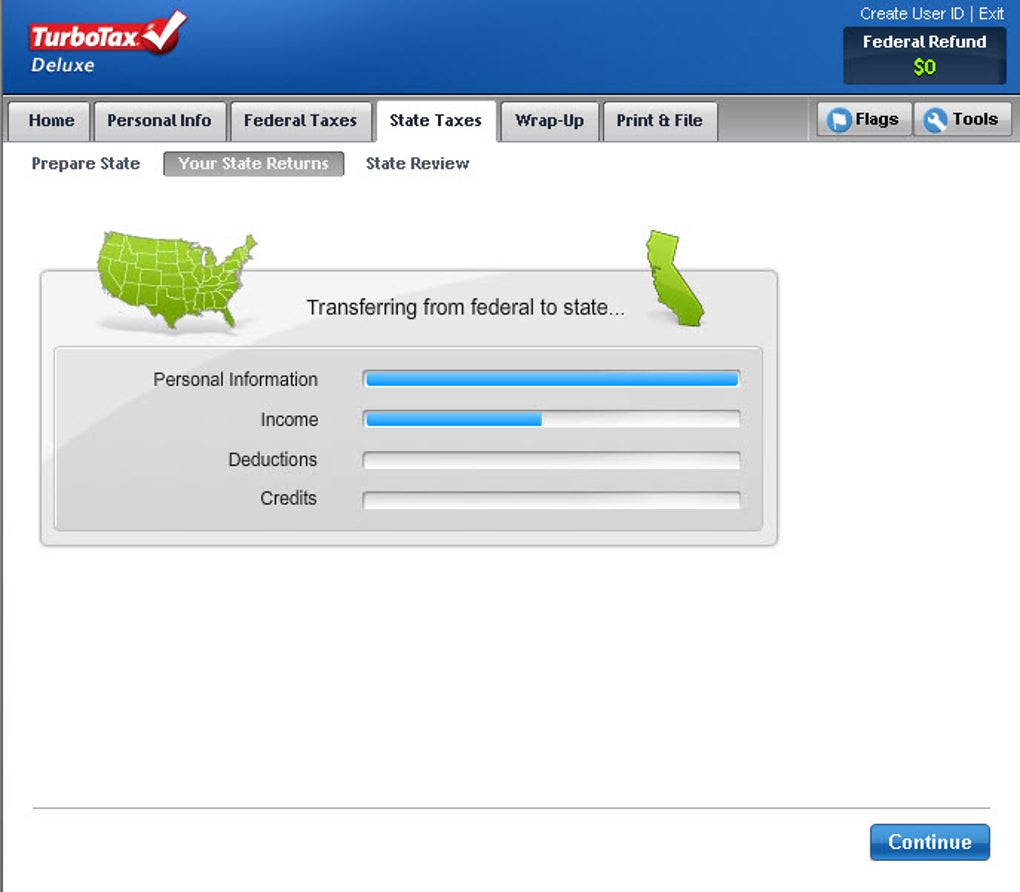
- State return support with separate filing fee, available for all 50 states.
- Live chat and on‑demand video tutorials for real‑time assistance.
- Deduction & credit finder that scans entries to locate hidden savings.
- Import functionality for previous year’s returns from other tax software.
- Secure SSL encryption and two‑factor authentication for data protection.
- Audit risk meter that alerts you to potential red flags before submission.
- Mobile‑responsive design, allowing filing from any web‑enabled device.
- Integration with popular payroll services for automatic W‑2 import.
TurboTax’s feature set focuses on simplicity without sacrificing the depth required to claim every eligible deduction. The built‑in calculators for mortgage interest, charitable contributions, and education credits help users see the impact of each entry instantly. For those who need extra guidance, the “Help Me Choose” wizard recommends the most suitable TurboTax version based on your financial situation, reducing the guesswork often associated with tax software. Additionally, the platform continuously updates its tax tables throughout the filing season, ensuring compliance with the latest IRS regulations and state tax law changes. This combination of user‑friendly design, comprehensive tools, and ongoing updates makes TurboTax a reliable choice for both first‑time filers and seasoned taxpayers.
Installation, Usage, and Compatibility
TurboTax is a cloud‑based web application, which means there’s no traditional installation process. To get started, visit the official TurboTax website, create a free account, and follow the on‑screen prompts to begin your return. The platform works in all modern browsers—including Chrome, Firefox, Safari, and Edge—on Windows 10/11, macOS, as well as mobile browsers on Android and iOS devices. Because all data is stored securely on TurboTax’s servers, you can pause and resume at any time from any device, with changes synced automatically.
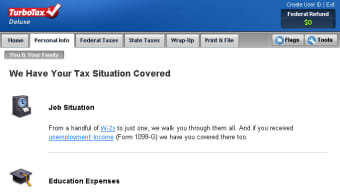
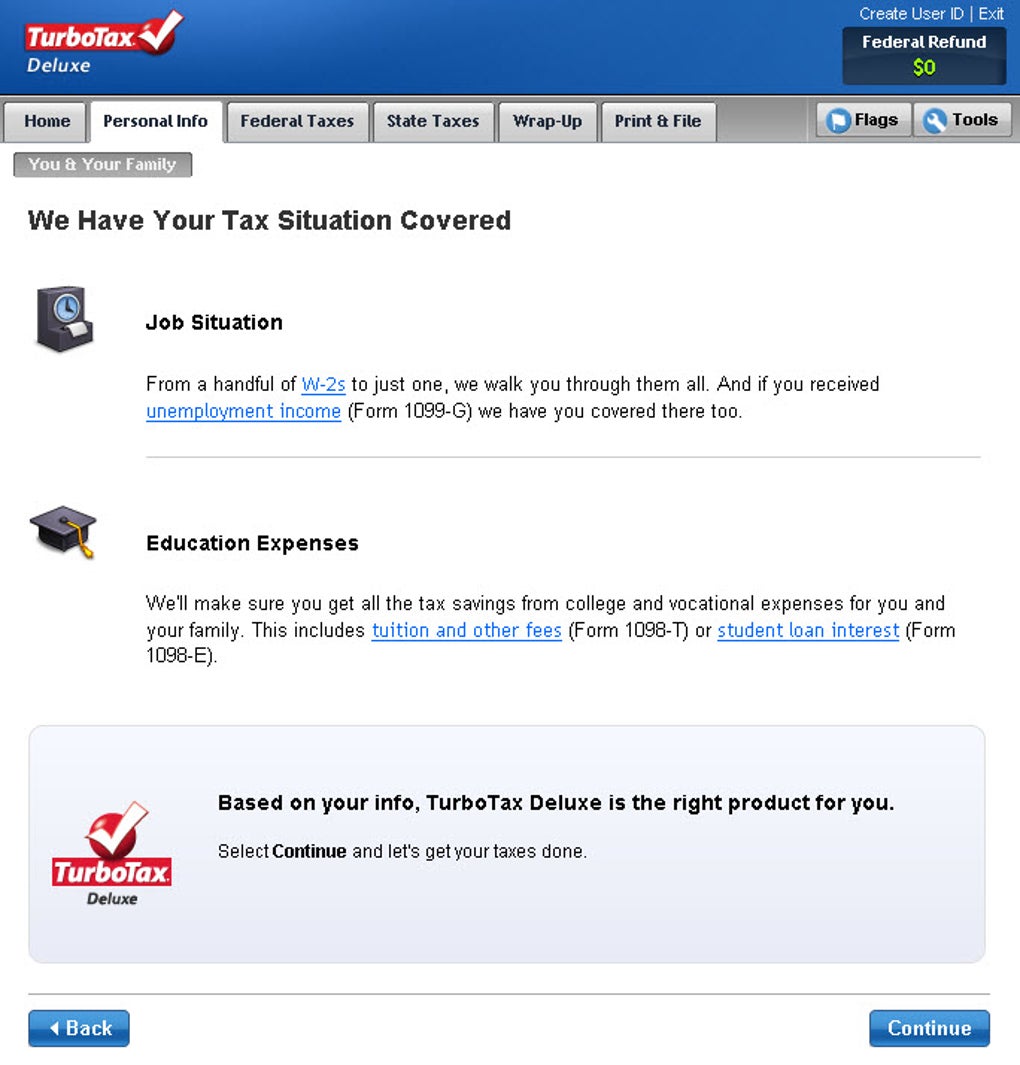
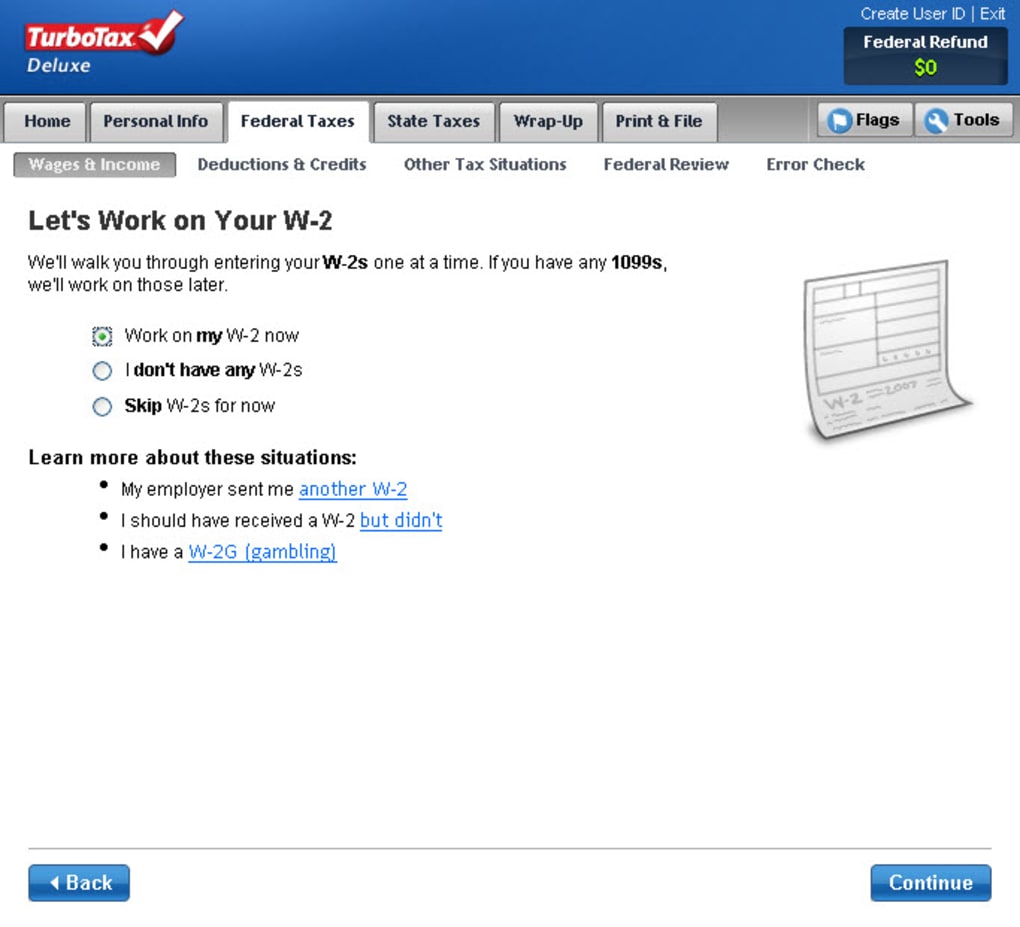
Once logged in, you’ll be guided through the “Personal Info” screen where you input your filing status, dependents, and contact details. The next step asks for your income sources; you can manually type in figures from your W‑2 or use the “Import W‑2” feature that connects to many payroll providers. After income entry, TurboTax automatically calculates your adjusted gross income (AGI) and suggests applicable deductions and credits. The “Review” stage highlights any potential errors or missing information, and the built‑in “Audit Risk Meter” flags items that might attract IRS scrutiny.
When you’re satisfied with the review, TurboTax offers two filing options: e‑file (the fastest way to get a refund) or print‑and‑mail. For e‑filing, you’ll be prompted to pay the applicable federal and state fees, after which the system transmits your return directly to the IRS and the state tax authority. After submission, you can track the status of your return in real time through the “My Returns” dashboard.
TurboTax’s web‑based nature ensures full compatibility with Windows, macOS, Linux (via browsers), as well as Android and iOS devices, making it a truly cross‑platform solution for anyone who needs to file taxes securely and efficiently.
Pros, Cons, and Frequently Asked Questions
Pros
- Intuitive, interview‑style interface suitable for beginners.
- Free federal filing for basic returns.
- Robust deduction and credit finder that can increase refunds.
- Secure cloud storage with two‑factor authentication.
- Comprehensive help center, live chat, and video tutorials.
Cons
- State filing incurs an additional fee.
- More complex tax situations (e.g., 1099‑NEC, self‑employment) require paid upgrades.
- Limited offline capability—requires internet access.
- Customer support wait times can be longer during peak filing season.
- Pricing for premium versions can be higher than some competitors.
Frequently Asked Questions
Is TurboTax really free for federal filing?
Yes, TurboTax offers a free version for basic federal returns. You only pay if you choose to e‑file or need a state return, which incurs a separate fee.
Can I import my previous year’s return?
TurboTax allows you to import prior-year returns from most major tax software, making the transition seamless and reducing duplicate data entry.
How secure is my personal tax information?
TurboTax uses 256‑bit SSL encryption, two‑factor authentication, and complies with IRS security standards to protect your data.
What if I need help during the filing process?
TurboTax provides live chat, a searchable knowledge base, and video tutorials. For premium users, on‑demand tax expert assistance is also available.
Do I have to upgrade for 1099‑NEC or self‑employment income?
Yes, handling 1099‑NEC, Schedule C, or other self‑employment forms requires upgrading to TurboTax Deluxe, Premier, or Self‑Employed, which carry additional fees.
Conclusion & Call to Action
TurboTax remains a top choice for anyone looking for a secure, user‑friendly way to file federal and state taxes online. Its free federal tier, step‑by‑step guidance, and powerful deduction finder make it especially attractive for simple tax situations. While the need to pay for state filing and premium upgrades can add cost for more complex returns, the overall value—bolstered by strong security, regular updates, and extensive support resources—justifies the price for most users. If you have a straightforward W‑2 income, want a hassle‑free filing experience, and aim to maximize your refund, TurboTax is ready to help you file quickly and securely.
Ready to start? Download TurboTax now and begin your free federal filing today. Remember to check the state filing fee before you submit, and consider an upgrade only if your tax situation grows more complex.
Guides & Tutorials for TurboTax
How to install TurboTax
- Click the Preview / Download button above.
- Once redirected, accept the terms and click Install.
- Wait for the TurboTax download to finish on your device.
How to use TurboTax
This software is primarily used for its core features described above. Open the app after installation to explore its capabilities.
User Reviews for TurboTax 0
No reviews found




